
The IDE they will use at work, four years early.
Sudo Code is a desktop IDE built on VSCodium. Extensions, an integrated terminal, Git and the editor students already recognise — with a Socratic AI mentor and the engineering record built into the same window.
There is nothing to bolt on. No plugin to install, no telemetry agent to configure, no second tool to remember. A student installs Sudo Code, signs in once with their institution account, and everything after that is just work: running code, reading errors, asking the mentor, committing.
That work is what the record is made of. The IDE is the instrument, not an afterthought bolted to a learning platform.
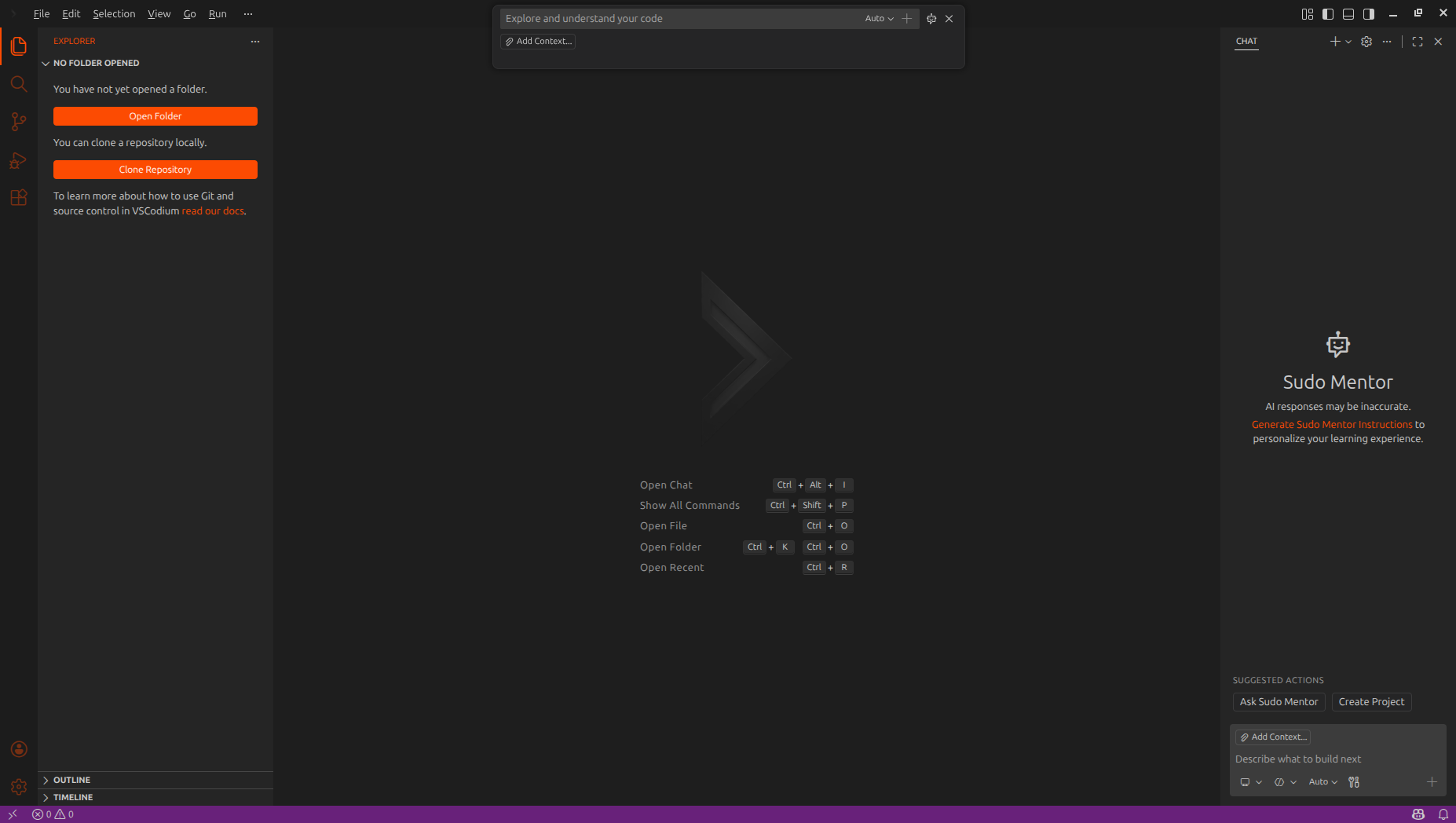
A full engineering environment, out of the box.
The first lab of the semester is not spent installing things. The environment is already the one the course needs.
A real editor, not a sandbox
Sudo Code is built on VSCodium, so the editor, the shortcuts, the settings and the extension marketplace are the ones students will use at work. Nothing has been taken away to make it teachable.
An integrated terminal
Students install dependencies, run their program, read the stack trace and run it again. Every run and its exit code is part of how the record is computed.
Git and GitHub
Branches, commits, merges and conflicts on real repositories. Commit messages are read for semantic quality, so writing a useful one counts for something.
The mentor in the sidebar
A Socratic AI mentor that has the open file, the project tree and the last terminal output as context. It asks questions instead of pasting the answer.
Labs where the work happens
Students join a lab with a code from their professor. Assignments, the syllabus and their own progress live in the same window as the code.
A record that writes itself
No forms, no self-reported skills, no screenshots to upload. Working in the IDE is what produces the engineering record.
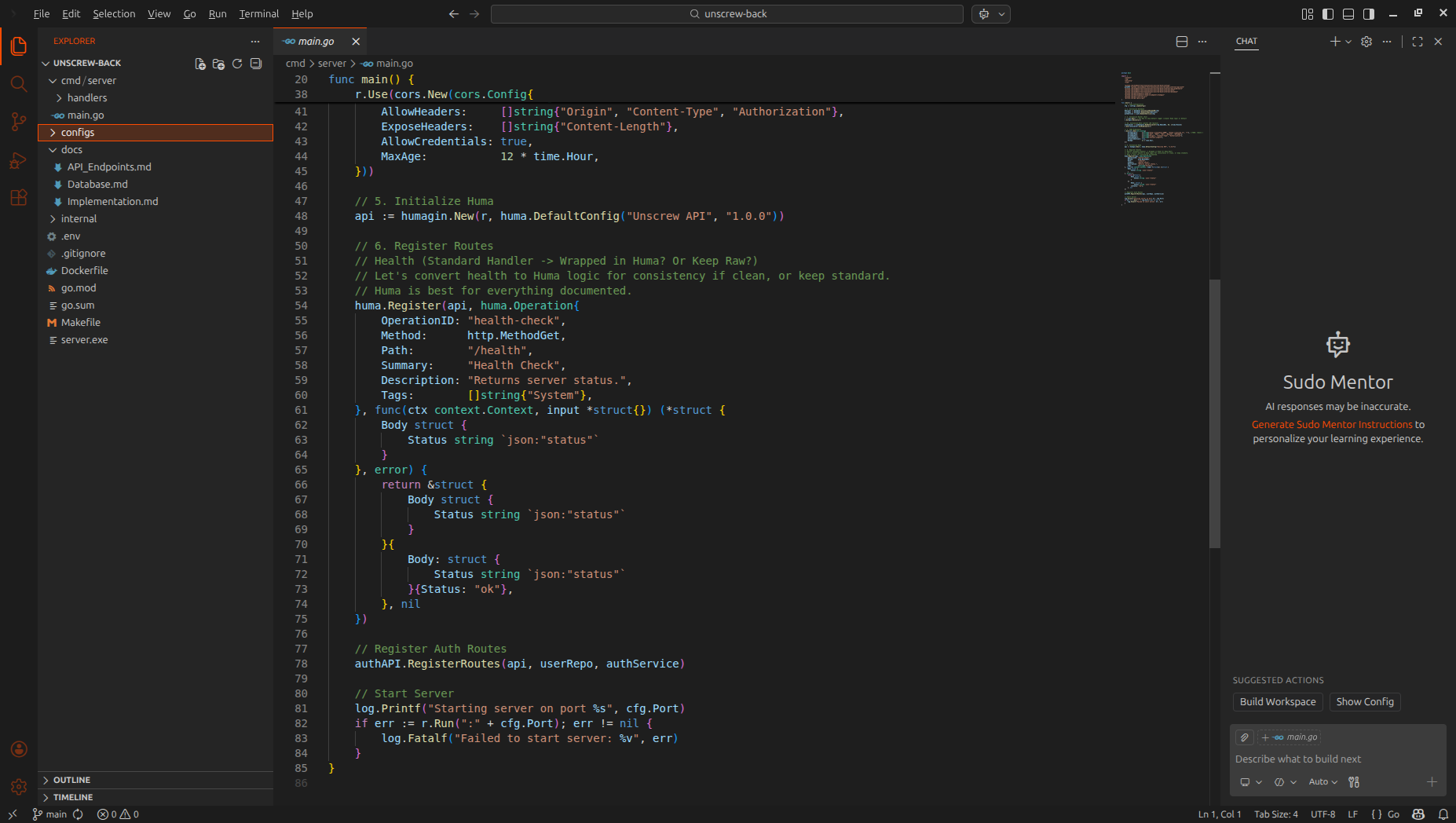
What the IDE observes — and what it never touches.
Students should be able to read this section and know exactly where the line is. So here it is, plainly.
Signals the IDE captures
- Terminal runs and their exit codes — how often a program runs clean, and how long a failing one stays failing.
- File saves and churn — which files are edited, how much, and how often a student returns to the same lines.
- Commits: message, time and size.
- Prompts sent to the AI mentor, and the code that entered the editor after them.
- Focus sessions — uninterrupted stretches of active work in the editor.
Signals it does not capture
- Keystrokes. There is no keylogger in Sudo Code.
- Screen capture, camera or microphone. Nothing is recorded from the machine outside the editor.
- Browser history, other applications, or anything outside the IDE.
- Personal files outside the lab workspace a student opens.
- Prompt and terminal text as a transcript for staff to read. It is processed to compute metrics; professors see the metrics and the trend, not a feed of what a student typed.
Terminal output and mentor prompts are the two signals students ask about most, so to be unambiguous: they are used only to compute metrics — whether a run succeeded, how long a failure took to resolve, how much code followed a prompt, how specific that prompt was. A professor's dashboard shows an error-to-success ratio and an AI-generated share, not a transcript of a student's session.
Students control their own sharing in settings: telemetry sharing and leaderboard visibility are toggles they own, not switches the institution flips for them.
Windows today. Linux and macOS in progress.
The Windows build is what institutions run now, and it is what lab machines are provisioned with. Linux and macOS builds are in progress; the editor, the mentor and the recorded signals are identical across all three, so a student who changes machine does not start a new record.
Sudo Code runs locally on the student's machine. It is a desktop application, not a browser workspace, so it queues telemetry while the lab's connection is down and sends it when the connection returns.
Four steps, once.
- 1
Open Sudo Code
The student installs the IDE once from the download page. There is no plugin, no extension pack and no separate telemetry agent to add afterwards.
one installer - 2
Click Log in
The IDE opens the browser at the institution's Sudo Learn sign-in page. Students use the same account they use for the dashboard.
sudolearn.in/login - 3
Sign in the normal way
Email and password from the institution invite. Nothing about the IDE is typed into a config file.
browser - 4
Back to the IDE
The browser hands the session back to Sudo Code and the window is ready. The link between the student and their record is made once and stays made.
sudocode:// callback
Put the real environment in front of first-years.
Run a pilot with one department and one cohort. Students install Sudo Code, do the labs they were going to do anyway, and the record builds from there.